Design and print labels in minutes
Create barcodes, QR codes and serial numbers, then batch-print from Excel or PDF. Simple, easy and intuitive — no design skills needed.


Label printing that doesn't get in your way
Whether you print ten labels or ten thousand, MasoLabel gets you from idea to print in a few clicks — on the printer you already own.
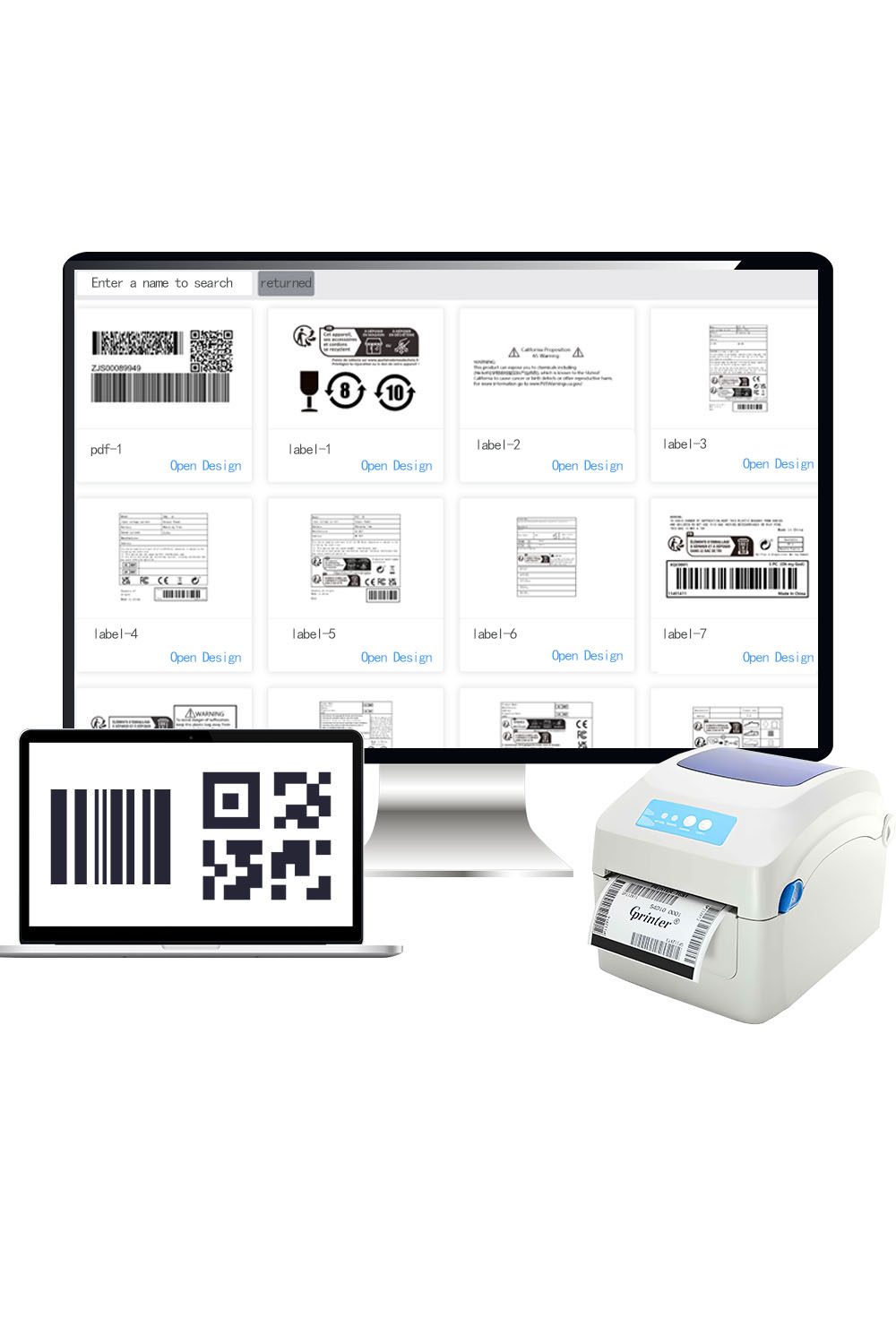
- Works with your printer. Compatible with thermal, inkjet and laser printers from 100+ brands — no new hardware.
- Zero learning curve. An intuitive, easy-to-use interface means anyone can start printing right away.
- 500+ ready-made templates. Industry-specific designs you can apply in seconds.
- Excel batch printing. Import a spreadsheet and print hundreds of labels in one click.
- Team collaboration. Edit, print and manage labels across multiple computers.
- Cloud sync. Your templates are saved to the cloud — no data loss when you switch PCs.
Everything you need to print labels
Six core capabilities that cover barcode generation, batch printing and team workflows.
Barcode & QR code generator
Supports Code 128, EAN, UPC and other barcodes, plus QR Code and Data Matrix.
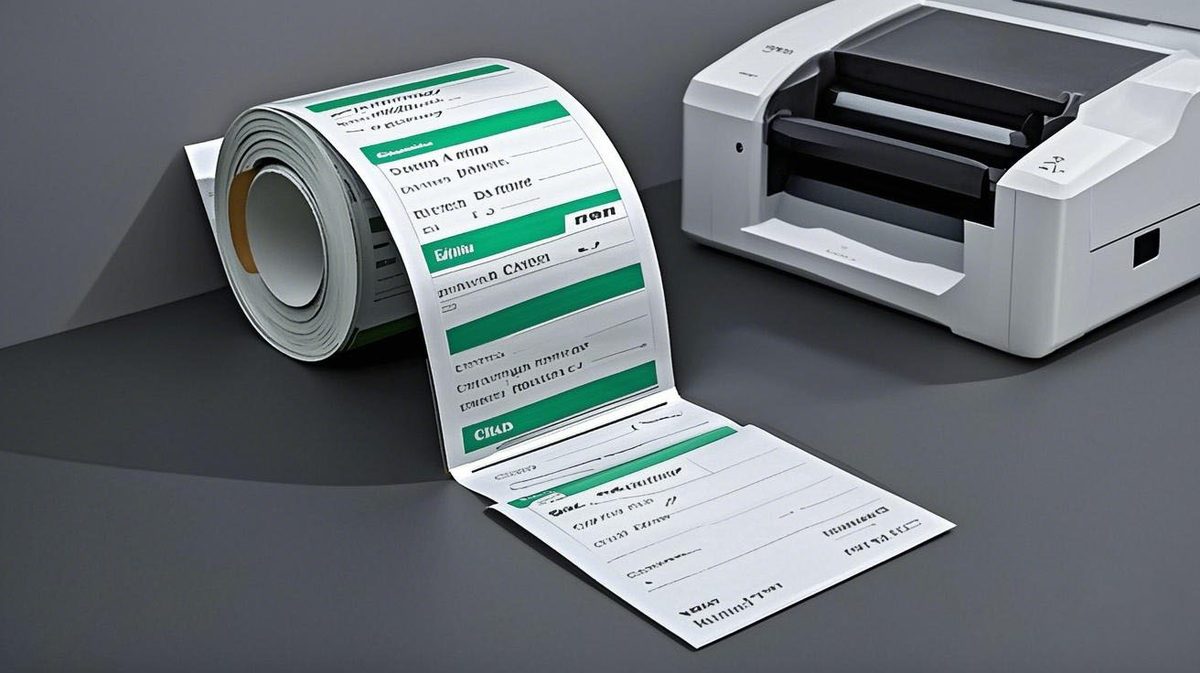
Make labels easy
Drag and drop barcodes, QR codes, text, lines, tables and dates — simple and intuitive.

Excel batch printing
Import a spreadsheet and print hundreds of labels in one click. Convert Excel data straight into barcodes and QR codes.
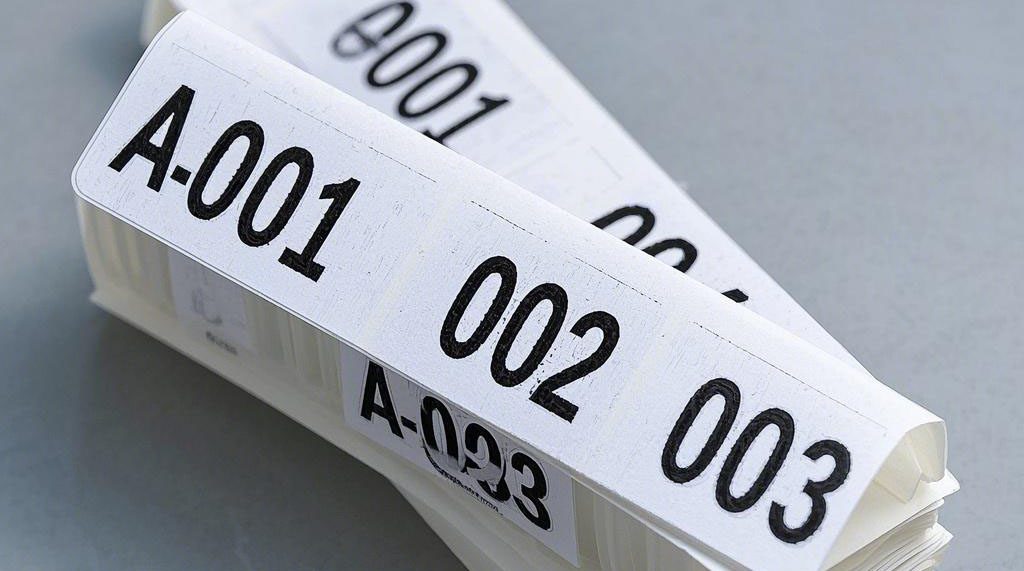
Serial number printing
Auto-increment serials like 001, 002, 003 or A-001, A-002 — with prefixes, suffixes and zero-padding.
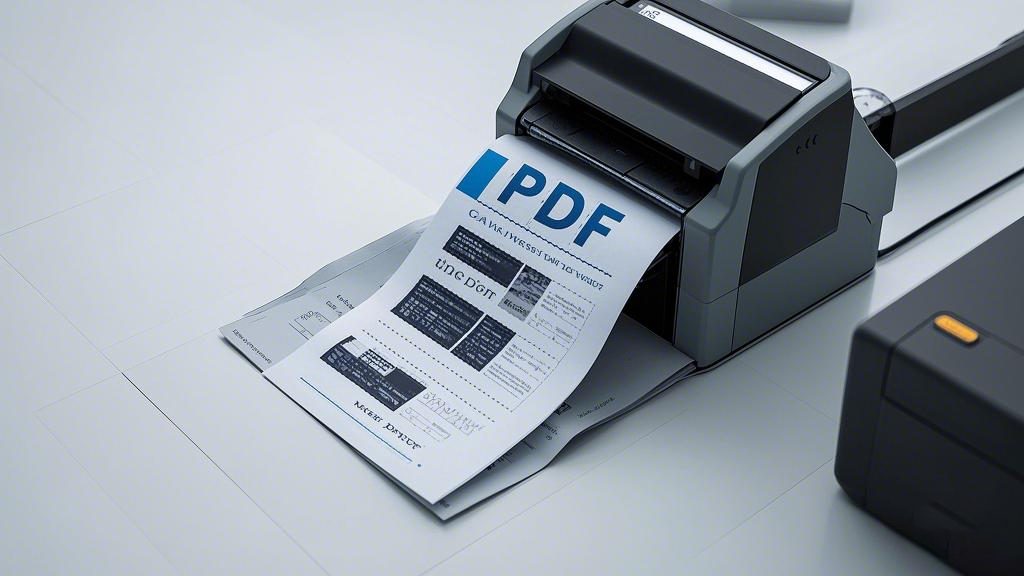
PDF printing
Print PDFs directly, crop pages, and insert PDF content into your labels as images.
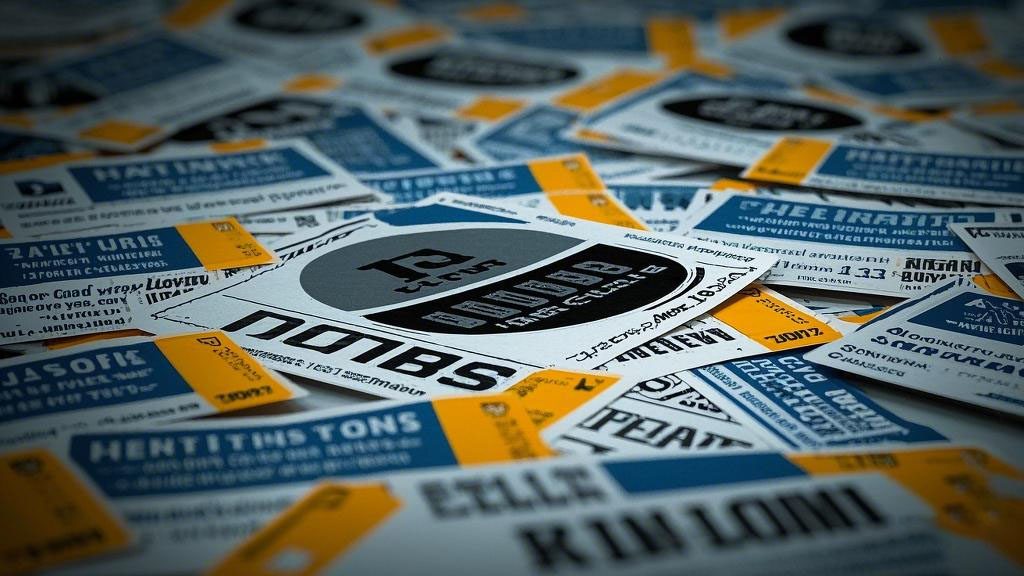
Print images in batches
Add multiple pictures, print different content at scale, and set the print range and copy count.
Three steps to your first label
No training, no design skills. Most people print their first label in under three minutes.
MasoLabel vs traditional label software
Built for small businesses and everyday users, not just printing specialists.
| What matters | Traditional software | MasoLabel |
|---|---|---|
| Cost | Expensive licenses | Free — unlimited printers |
| Learning curve | Requires training | Intuitive, 1-minute setup |
| Templates | Few, basic designs | 500+ free templates |
| Batch printing | Manual data entry | 1-click Excel batch print |
| Printer support | Dedicated printer only | Works with virtually any printer |
| Label flexibility | Rigid sizes | Full vector control |
Made for every industry
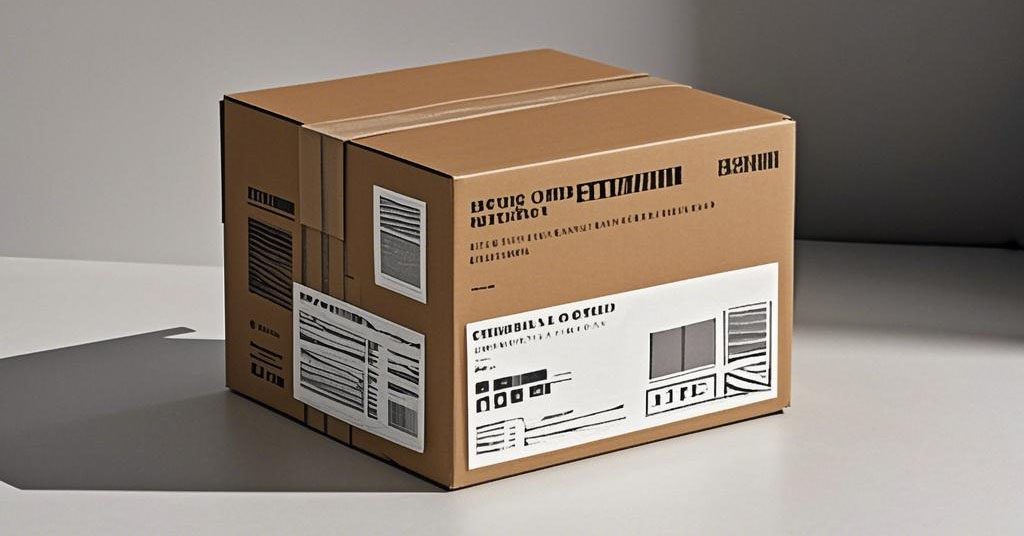
500+ templates cover the most common labeling needs — including e-commerce marketplaces.
Free to download, print what you need
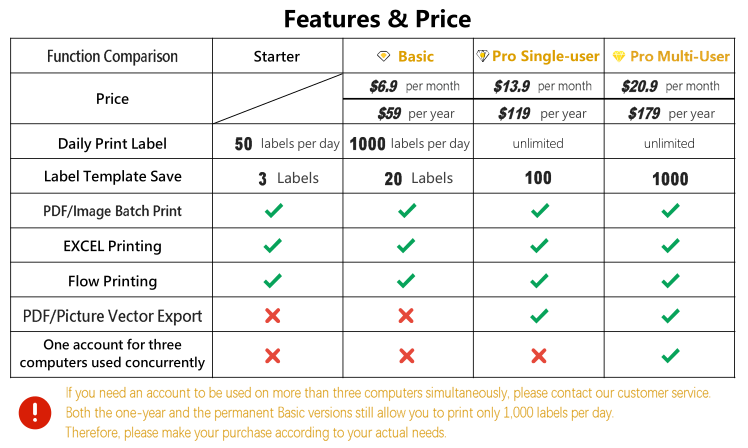
You only pay when you exceed the free daily print limit.
What our users say

Our factory has various brands of label printers, and this software can be connected to each printer, making it very convenient to use.

I really like the simple interface, which makes it easy to import Excel files and work with multiple products at the same time, and we plan to use it for a long time.

The software customer service is very good. No matter what problems we encounter, the customer service staff will immediately give a solution.

The label printing software is very user-friendly and easy to use. It is a very good helper for people who have to make and print labels every day.

After comparing it to several other printing software, we thought it was an excellent label printing solution. The human service responds quickly, so it is recommended to use it.

It is not only able to print labels in bulk in Excel, but also works as a barcode generator and QR code generator.
Frequently asked questions
Is MasoLabel free to use?
Yes. MasoLabel is free to download with unlimited features. You only pay if you exceed the free daily print limit.
Does MasoLabel work with my printer?
Yes. MasoLabel works with virtually any thermal, inkjet or laser printer across 100+ brands — no dedicated label printer required.
Can I batch print labels from Excel?
Yes. Import an Excel file and print hundreds or thousands of labels in one go, or convert Excel data directly into barcodes and QR codes.
What barcode types are supported?
20+ types including Code 128, EAN and UPC, plus QR Code and Data Matrix, in high-resolution vector output.
Do I need design skills to use MasoLabel?
No. Start from 500+ free templates and edit them with an easy, intuitive interface — most people print their first label in minutes.
Can I use it for e-commerce labels (Amazon, Temu, Shein)?
Yes. MasoLabel includes ready-made templates for major e-commerce marketplaces, so you can print compliant shipping and product labels right away.
Is MasoLabel safe to install?
Yes. It is a lightweight download with no bundled software, ads or plugins.
Guides & tips for label printing
Practical how-to guides and best practices to help you print barcodes and QR codes faster.
Ready to print your first label?
Free to download. No design skills needed. Works with the printer you already own.